Search an address, save pins, share them and compare places
Type an address to check its noise, keep it as a saved pin, send your pins to someone by link, and compare saved places side by side.
On this page
Most people who use Flight Path Noise arrive with a short list of addresses: a flat they might rent, a house they are bidding on, a friend’s place across town. Clicking around the map works, but it means finding each street by eye and remembering the numbers. Over the past week or so we have added a set of tools for that list, and today the last piece arrives, a way to compare them all at once.
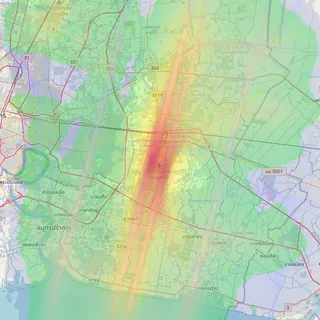
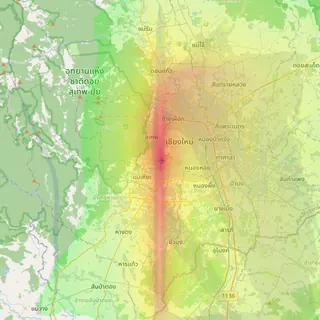
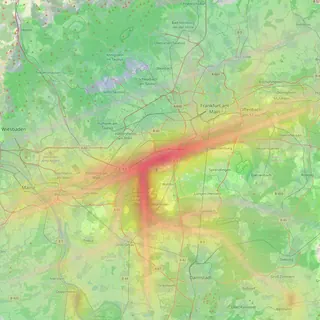
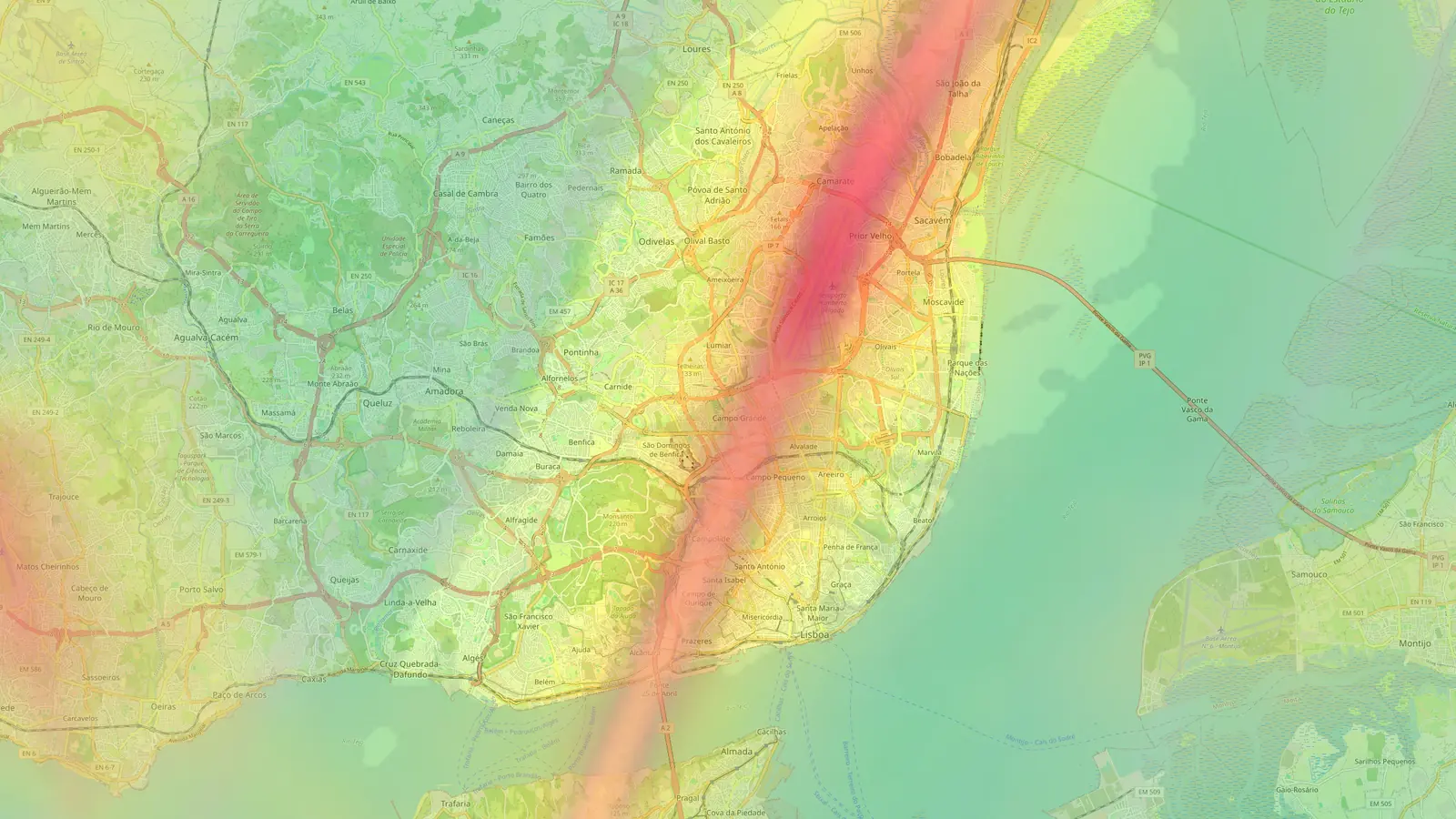
Everything here works on all nine airport maps, from Chiang Mai to Lisbon and Sofia.
Search for an address
A search bar sits at the bottom of every airport map. Start typing a street, building or suburb and suggestions appear as you type. Suggestions favour places around the airport you are looking at, so a street name shared by several cities resolves to the one near that airport. You can move through them with the arrow keys and press Enter, or tap one on a phone.

When you pick a result, the map moves to it and runs the same noise report you get from clicking the map: the estimated daily average level, the loudest overflight, flights per day and the hourly chart. Today’s update also gives noticeably better suggestions in some of our smaller cities, including Sofia, Da Nang and Tallinn.
Saved pins you can rename
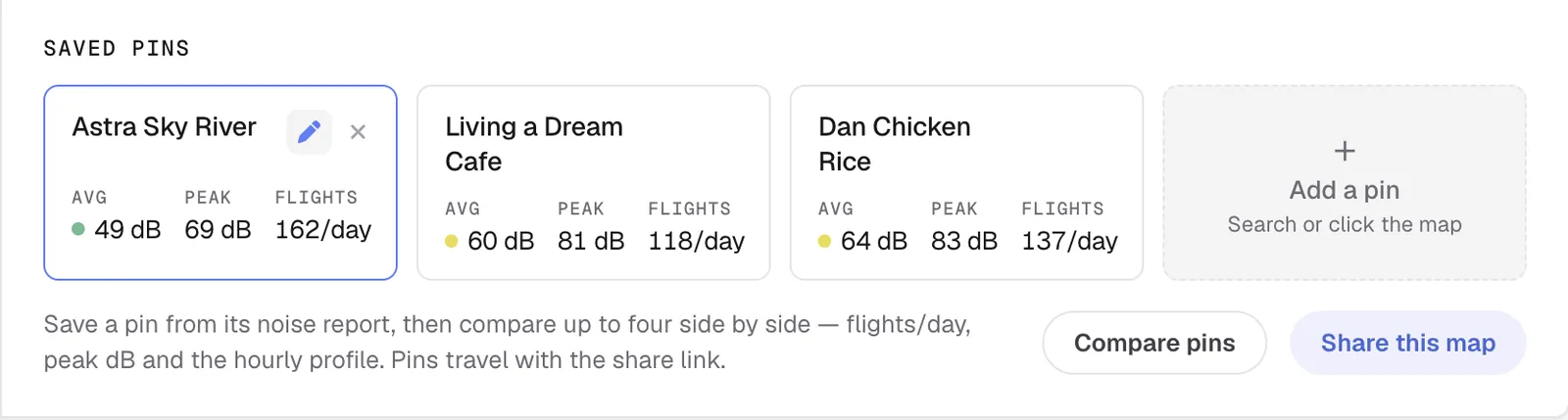
Each address you search is kept as a saved pin. Your pins are listed in the Saved Pins section of the sidebar and shown on the map as small purple rings. Select one, from the list or the map, and its noise report opens again.
The name a search gives a pin is often long or unhelpful, so you can rename it. Click the pencil next to a pin, type something like “Flat on 3rd floor” or “Parents”, and press Enter. The delete icon removes a pin you no longer need. Pins are stored in your browser on that device, with no account or sign-in.
Share your pins with a link
The share button below the map controls gives you a link to the current map. Tick “Include my Saved Pins” and your pins go into the link as well, up to 10 of them. Send it to a partner, a housemate or an agent and they see the same places you marked.
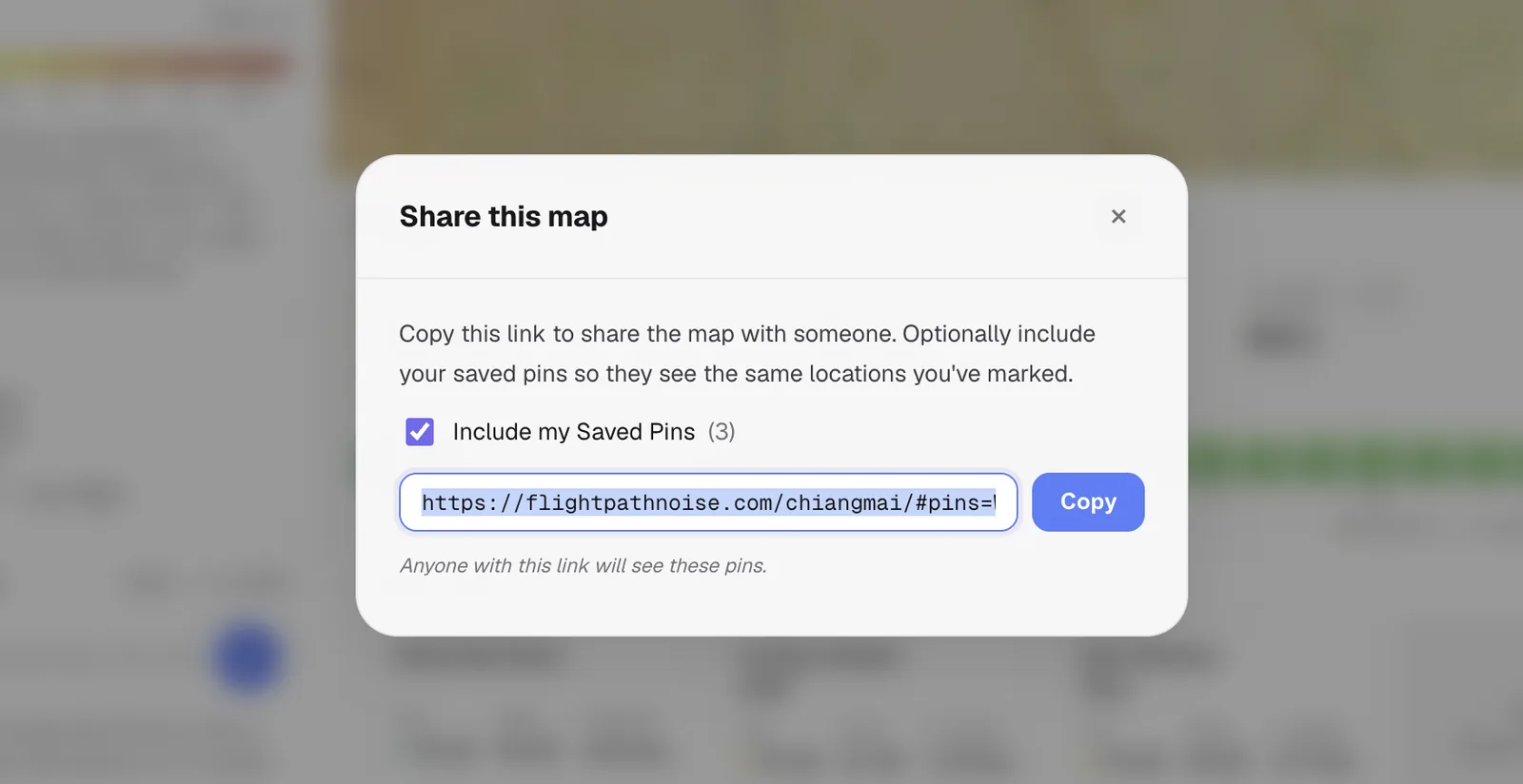
Your pins are encoded in the part of the link after the #, which browsers do not send to the server, so the locations go straight from your browser to theirs. When someone opens the link we ask them to confirm before the pins are added to their own list. Pin names written in other scripts, such as Thai, come through intact.
Compare saved places side by side
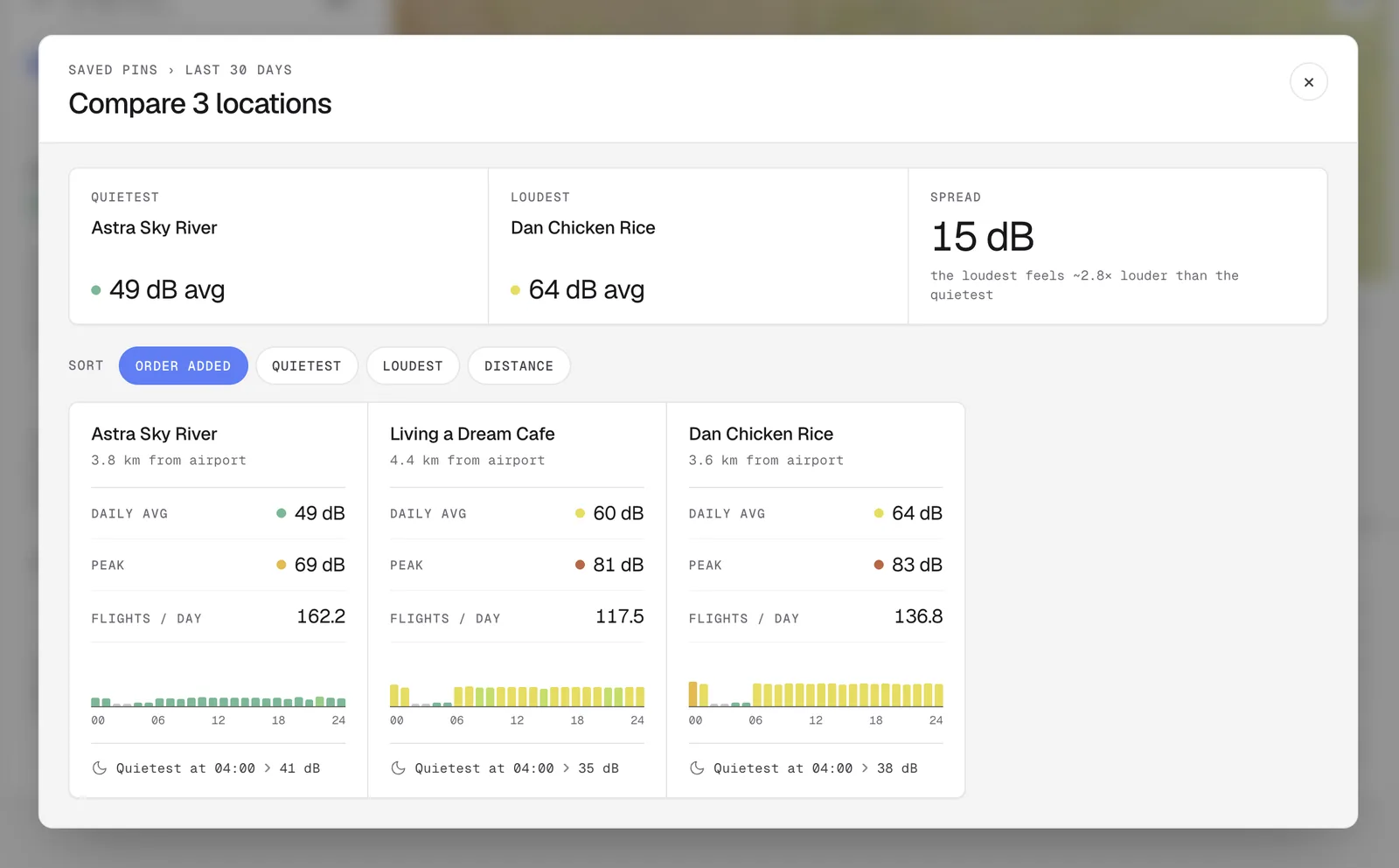
Once you have two or more saved pins, a compare icon appears in the Saved Pins header. It opens Compare Locations, which puts every pin in its own column.
Three summary cards sit at the top. One names the quietest pin, one the loudest, and the third gives the spread between them in decibels with a rough guide to how that feels. A 10 dB difference is commonly described as sounding about twice as loud, so the card turns the gap into terms like that.
Below the cards, each column shows the pin’s distance from the airport, its daily average level, its loudest overflight, its flights per day and a small 24-hour chart coloured on the same scale as the heatmap. A moon badge marks the quietest hour of the day at that spot, which is handy if you care most about sleep. You can sort the columns by the order you added them, quietest first, loudest first or distance from the airport.
A reminder about the numbers
All of these figures are estimates calculated from recorded flight tracks, not readings from a microphone. They are at their most useful in exactly this kind of comparison, where you want to know which of several places is likely to hear more aircraft and at what times of day.
Frequently asked questions
- Where are my saved pins stored?
- In your own browser on the device you used. They are not attached to an account, so they will not appear on another device unless you send yourself a share link.
- How many pins can I share in one link?
- Up to 10. The person who opens the link is asked before the pins are added to their own list.
Airports mentioned
Related updates
Every airport page now has a noise guide
Below the map, each of our nine airport pages now has a stats dashboard, a 24-hour flight chart and a written guide to the neighbourhoods around it.
Flight Path Noise launches with nine airports
Free aircraft noise maps for nine airports in eight countries, starting with Chiang Mai, with live aircraft, noise heatmaps and a new globe homepage.
Does your airport have a curfew? Every airport page now answers
Every airport page on Flight Path Noise now opens with a plain yes, partial or no answer on night curfews, with the hours and a short explanation.